Selfie check-in & check-out
Record the start and end of the working day with a selfie entry, giving the office a visual attendance record.

SELFIE ATTENDANCE · SCHOOLERP
Make daily teacher and staff attendance easier to record and review—with selfie check-in, check-out timings and an organised monthly register.
A SIMPLE START TO THE SCHOOL DAY
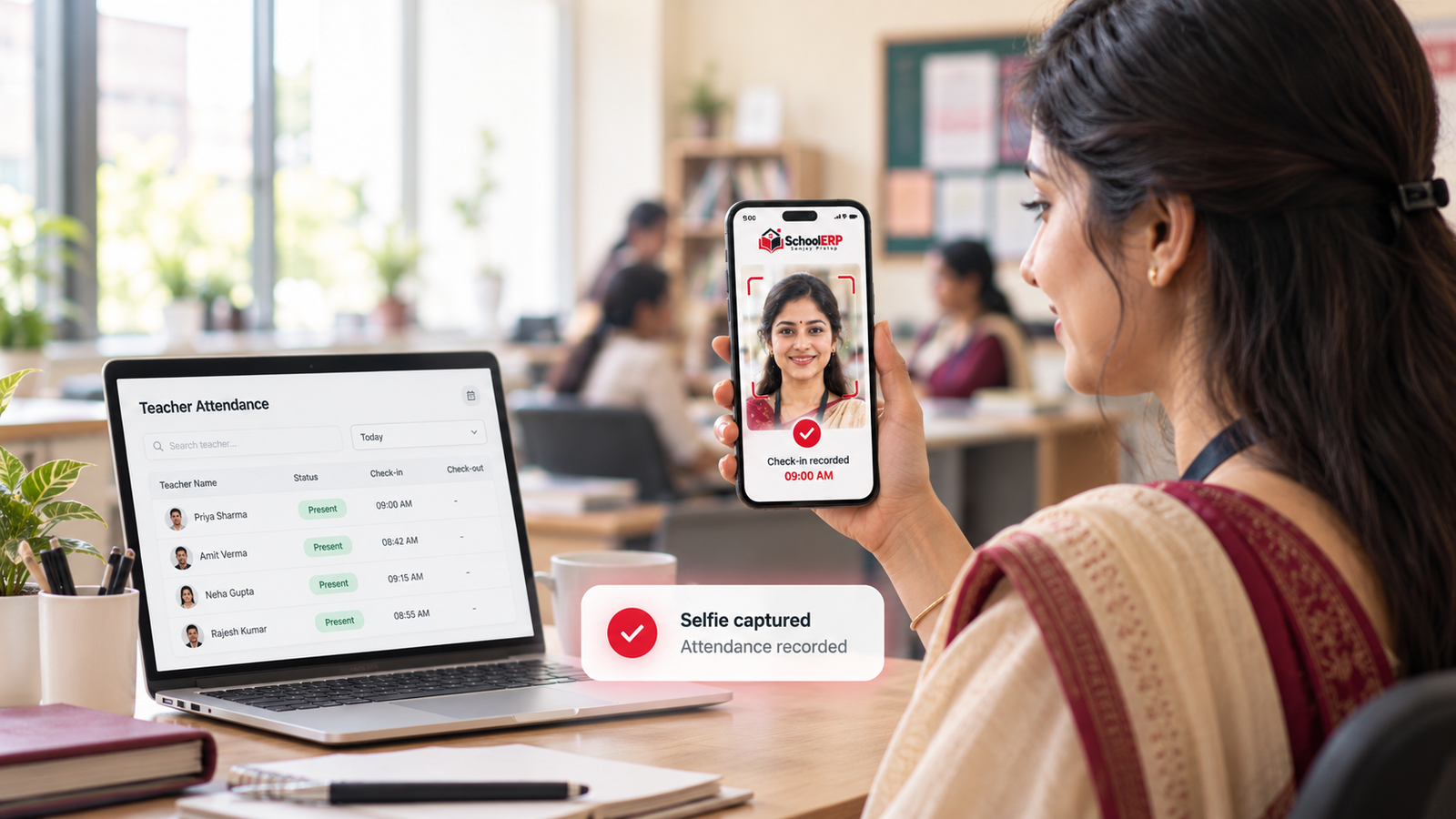
Teachers and staff record attendance with a selfie at check-in and check-out. The school office can review daily entries, recorded timings and attendance exceptions together.
Product screen with example records.
CLEAR RECORDS. USEFUL DETAILS.
Record the start and end of the working day with a selfie entry, giving the office a visual attendance record.
Review check-in and check-out times for each teacher or staff member alongside daily attendance entries.
Compare recorded arrival times with the configured attendance schedule to identify late-coming exceptions.
Review departures against configured out-time schedules and identify entries that need follow-up.
Move from daily entries to the monthly teacher register to review presence, absences and leave together.
Keep attendance schedules aligned with school shift timings, holidays and weekly off days.
HOW IT WORKS
Organise attendance schedules, holidays and weekly off days.
Teachers and staff capture their selfie attendance for the working day.
Review daily timings, exceptions and the monthly attendance register.
CONNECTED ATTENDANCE WORKSPACE
LET’S MAKE SCHOOL WORK SIMPLER
Explore your teacher, student, attendance and fee workflows in a personal walkthrough.